Viking VMOS501SS - Mode d'emploi

Micro-ondes Viking VMOS501SS - Mode d'emploi, à lire gratuitement en ligne au format PDF. Nous espérons que cela vous aidera à résoudre toutes les questions que vous pourriez avoir. Si vous avez encore des questions, contactez-nous via le formulaire de contact.
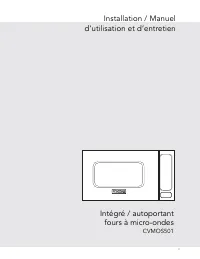
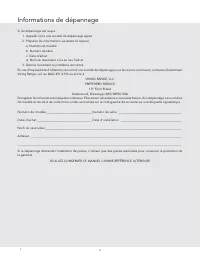
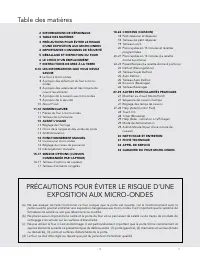
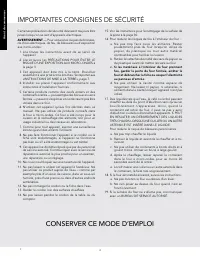
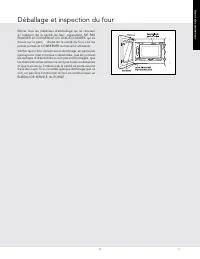
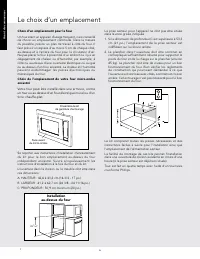
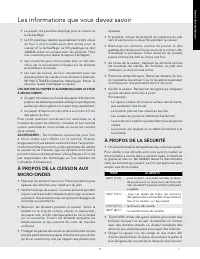
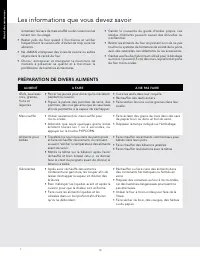
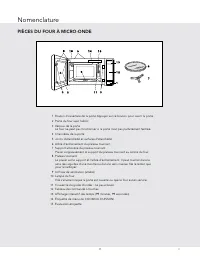
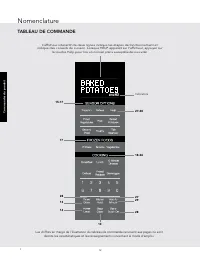
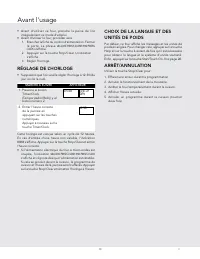
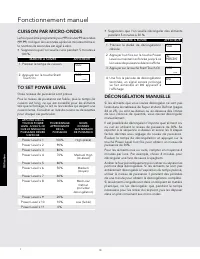
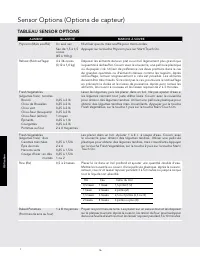
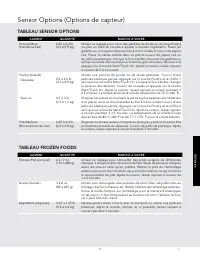
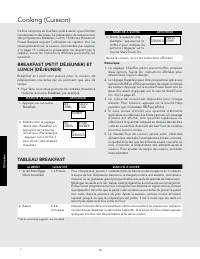
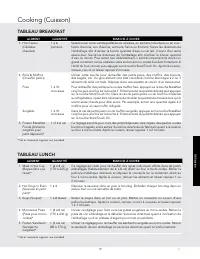
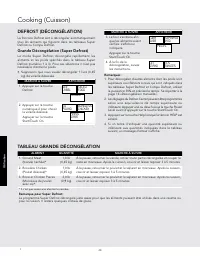
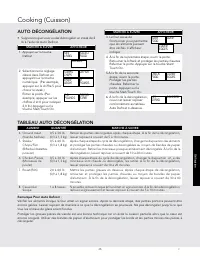
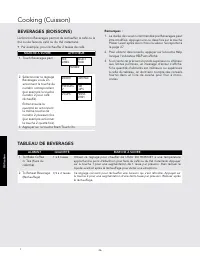
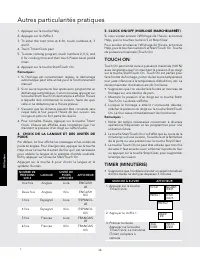
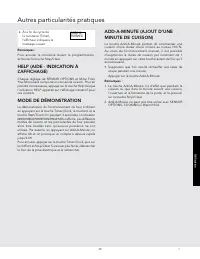
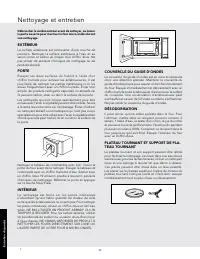
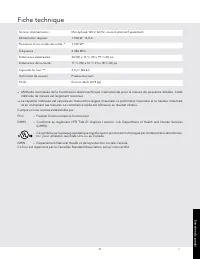
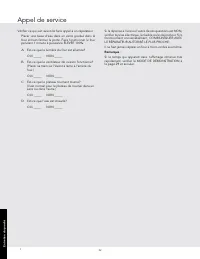



Table des matières:
- Page 1 – TOUCH ON
- Page 3 – Informations de dépannage
- Page 4 – Table des matières; PRÉCAUTIONS POUR ÉVITER LE RISQUE D’UNE
- Page 5 – IMPORTANTES CONSIGNES DE SÉCURITÉ
- Page 6 – Déballage et inspection du four
- Page 7 – Le choix d’un emplacement
- Page 8 – INSTALLATION ÉLECTRIQUE; Instructions de mise à la terre; RALLONGE
- Page 9 – LE FOUR À MICRO-ONDES; Les informations que vous devez savoir
- Page 10 – À PROPOS DE LA SÉCURITÉ
- Page 11 – PRÉPARATION DE DIVERS ALIMENTS
- Page 12 – PIÈCES DU FOUR À MICRO-ONDE; Nomenclature
- Page 13 – TABLEAU DE COMMANDE
- Page 14 – RÉGLAGE DE L’HORLOGE
- Page 15 – Fonctionnement manuel; DÉCONGÉLATION MANUELLE
- Page 17 – TABLEAU SENSOR OPTIONS
- Page 18 – TABLEAU FROZEN FOODS
- Page 19 – TABLEAU BREAKFAST
- Page 25 – TABLEAU GRANDE DÉCONGÉLATION
- Page 26 – AUTO DÉCONGÉLATION; TABLEAU AUTO DÉCONGÉLATION
- Page 27 – TABLEAU DE BEVERAGES
- Page 28 – SÉQUENCE DE CUISSON MULTIPLE; Autres particularités pratiques
- Page 30 – MODE DE DÉMONSTRATION
- Page 31 – COUVERCLE DU GUIDE D’ONDES; Nettoyage et entretien
- Page 32 – Fiche technique
- Page 33 – Appel de service
- Page 34 – Garantie du four micro-ondes
28
E
E
E
28
E
28
E
Operation
2. Touch number 3.
3. To enter the start time at 4:30, touch numbers 4, 3 and
0.
4. Touch Timer/Clock pad.
5. To enter cooking program, touch numbers 2, 0, 0, and
0 for cooking time and then touch Power Level pad 6
times.
6. Touch Start/Touch On pad.
Note:
1. Auto Start can be used for manual cooking if clock is
set.
2. If the microwave oven door is opened after programming
Auto Start, it is necessary to touch the Start/Touch On
pad for Auto Start time to appear in the readout so
that the microwave oven will automatically begin
programmed cooking at the chosen Auto Start time.
3. Be sure to choose foods that can be left in the
microwave oven safely until the Auto Start time. Acorn
or butternut squash are often a good choice.
4. If you wish to know the time of day, simply touch the
Clock pad. As long as your finger is touching the Clock
pad, the time of day will be displayed.
4. LANGUAGE / WEIGHT SELECTION
The microwave oven comes set for English and U.S.
Customary Unit-pounds. To change, touch Help and the
number 4 pads. Continue to touch the number 4 pad until
your choice is selected from the table below. Then, touch
Start/Touch On pad.
Touch number 4 pad for language and standard of weight.
TOUCH
NUMBER 4
LANGUAGE STANDARD
OF WEIGHT
DISPLAY
Once
English
LBS
ENGLISH
LB
Twice
English
KG
ENGLISH
KG
3 times
Spanish
LBS
ESPANOL
LB
4 times
Spanish
KG
ESPANOL
KG
5 times
French
LBS
FRANCAIS
LB
6 times
French
KG
FRANCAIS
KG
5. CLOCK ON/OFF
If you wish to turn the clock display off, touch Help, the
number 5 and Stop/Clear pads.
To cancel and restore the clock, touch Help, the number 5
and Start/Touch On pads.
TOUCH ON
Touch On allows you to cook at 100% power by touching
the Start/Touch On pad continuously. Touch On is ideal for
melting cheese, bringing milk to just below boiling etc.
The maximum cooking time is 3 minutes.
• Suppose you want to melt cheese on a piece of toast.
1. Continuously touch Start/Touch On pad. The cooking
time will begin counting up.
2. When the cheese is melted to desired degree, remove
finger from Start/Touch On pad. Microwave oven stops
immediately.
Note:
1. Note time it takes for frequently used foods and
program that time in the future.
2. Touch Start/Touch On pad within 3 minutes after
cooking, opening and closing the door or touching the
Stop/Clear pad.
3. Touch On can only be used 3 times in a row. If more
times are needed, open and close door or touch Stop/
Clear pad.
TIMER
•
Suppose you want to time a 3-minute long distance
phone call.
PROCEDURE
DISPLAY
1. Touch Timer/Clock pad.
TO SET
KITCHEN
TIMER
PRESS 1
TO SET
CLOCK
PRESS 2
2. Touch the number 1 pad.
ENTER
TIME
3. Enter time. Touch Timer/
Clock pad. The Timer will
count down.
3:00
TIMER
PRESS
TIMER
4. After the Timer cycle
ends, the display will
indicate the following
message.
TIMER IS
FINISHED
Note:
To cancel the Timer during programming, touch the Stop/
Clear pad.
HELP (DISPLAY INDICATOR)
Each setting of SENSOR OPTIONS provides a cooking
hint. If you wish to check, touch HELP pad whenever HELP
is lighted in the Interactive Display for these hints.
28
Other Convenient Features
« Chargement du manuel » signifie que vous devez attendre que le fichier soit complètement chargé avant de pouvoir le lire en ligne. Certains manuels sont très volumineux, et le temps de chargement dépend de la vitesse de votre connexion Internet.
Ce manuel vous a-t-il été utile ?
À propos de ce manuel
- Marque
- Viking
- Modèle
- VMOS501SS
- Type de document
- Mode d'emploi
- Catégorie
- Micro-ondes
- Langue(s)
- Anglais, Espagnol, Français
- Pages
- 38
- Taille du fichier
- 1,5 MB
- Format
Résumé
28 E E E 28 E 28 E Operation 2. Touch number 3.3. To enter the start time at 4:30, touch numbers 4, 3 and 0. 4. Touch Timer/Clock pad.5. To enter cooking program, touch numbers 2, 0, 0, and 0 for cooking time and then touch Power Level pad 6 times. 6. Touch Start/Touch On pad. Note: 1. Auto Start ca...
2 F Si du dépannage est requis : 1. Appeler votre une société de dépannage agrée.2. Préparer les informations suivantes à l’avance : a. Numéro de modèle b. Numéro de série c. Date d’achat d. Nom du revendeur où a eu lieu l’achat3. Décrire clairement le problème rencontré. En cas d’impossibilité d’ob...
3 F 2 INFORMATIONS DE DÉPANNAGE 3 TABLE DES MATIÈRES 3 PRÉCAUTIONS POUR ÉVITER LE RISQUE D’UNE EXPOSITION AUX MICRO-ONDES 4 IMPORTANTES CONSIGNES DE SÉCURITÉ 5 DÉBALLAGE ET INSPECTION DU FOUR 6 LE CHOIX D’UN EMPLACEMENT 7 INSTRUCTIONS DE MISE À LA TERRE 8-10 LES INFORMATIONS QUE VOUS DEVEZ SAVOIR 8 ...
Poser une question
Manuels associés
Plus de modèles micro-ondes Viking

Autres appareils Viking
 Notice Viking DEV900
 Notice Viking DIV1200
 Notice Viking DMOD241SS
 Mode d'emploi Viking FDWU324
- Mode d'emploi Viking FDWU524
- Mode d'emploi Viking FDWU524WS
 Notice Viking MT 545/MT 545L/MT 585/MT 585L
- Mode d'emploi Viking VDWU324SS
- Mode d'emploi Viking VDWU524SS
- Mode d'emploi Viking VDWU524WSSS
 Notice Viking VEDV900
 Mode d'emploi Viking VMDD5306SS